
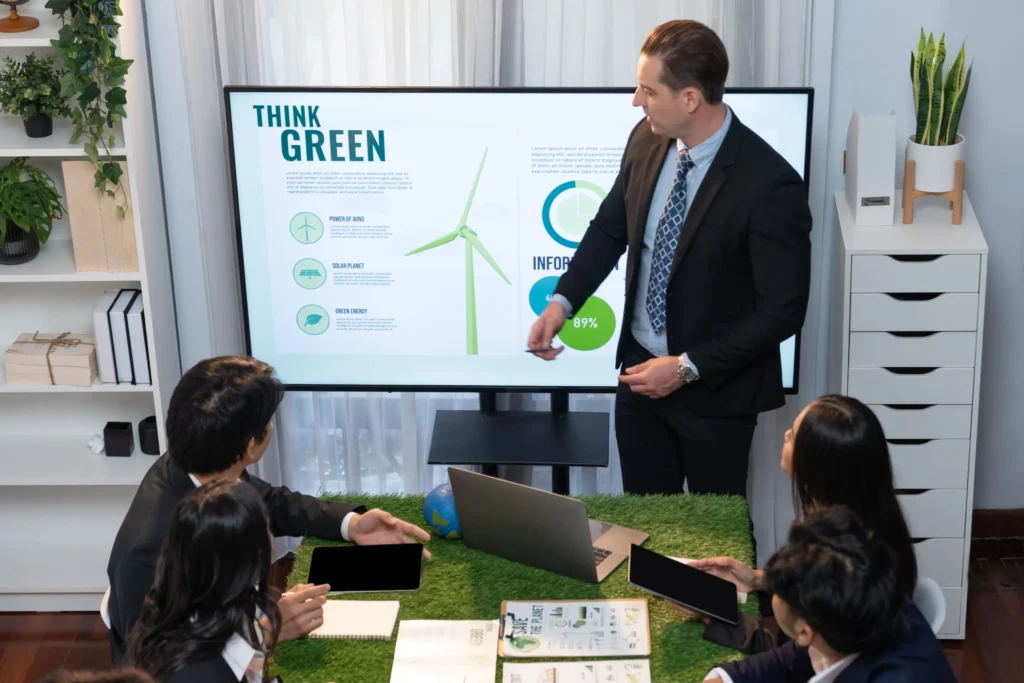
Make your professional presentation design better with simple tips for slide design. Learn about clear slides, cool pictures, and easy tools like PowerPoint, Canva, and Prezi
Presentation Slide Design
Let’s talk about making PowerPoint slides for presentation design. You know, those things with pictures and words people use when they speak to a group. Making these slides isn’t just about looking good; it’s about ensuring people understand and remember what you’re saying. So, we’re diving into slide design to figure out how to create presentation designs that don’t just talk but also stick in people’s minds. Ready?
Elements of Effective Slide Design
Clarity and Simplicity
Making PowerPoint slides is like telling a story. Imagine you’re telling a friend about your favourite game. You want to make sure they are clear. So, clarity means each slide talks about one thing—no tricky stuff.
Simplicity is about making things easy, not complicated. Use simple words and make sure your slides aren’t like a giant puzzle. Think of it as giving your audience a simple map so they know exactly where you’re taking them in your talk. Keep it accessible, and everyone will understand and enjoy your presentation design.
Visual Consistency
Let’s talk about keeping things looking the same in your PowerPoint slides. It’s like having a favourite colour for your presentation design: nice and steady. Imagine if each fall looked different; it would be like changing your outfit every five minutes, which would be confusing.
Visual consistency means using the same colors, fonts, and style for all your slides. It’s like giving your audience a smooth ride instead of a bumpy one. So, stick to the same look, and your presentation will be like a team working together, not a bunch of strangers.
Proper Use of Colors and Fonts
Discuss picking colors and fonts for your PowerPoint slides—it’s like choosing cool clothes for your words. Colors should be friends, not foes, matching your message and being easy on the eyes. Please keep it simple with a couple of primary colors that get along.
Fonts are like outfits for your words, so make them clear and friendly. Fancy fonts are fun, but easy ones are better for everyone. Imagine giving your dishes a stylish and comfy wardrobe that everyone loves. That’s the trick—simple and dazzling.
The Impact of Slide Design on Audience Engagement
Captivating Visuals
You are making PowerPoint slides enjoyable, adding cool pictures, and making a fun story with visuals. Imagine just talking with no photographs! Graphics and charts are like the superheroes of slides, making your professional presentation design exciting and easy.
Make your ideas exciting by showing cool pictures and graphics that everyone will enjoy. Think of it like telling a fun story with many colourful and exciting things. Let’s move on to the next part, where we’ll learn about the tools and software for slide design. It’s like finding the magic tools that help turn your fantastic ideas into excellent presentations. Ready to create great slides?
Tools and Software for Slide Design
PowerPoint
Let’s talk about PowerPoint. It’s an excellent tool for making PowerPoint slides. If you have to show things to people, PowerPoint helps you do it quickly. It’s easy to use, even if you’re not a computer expert. You can put words and pictures and even make things move fast. It’s like having your special place to make things look great. So, when you need to make slides, use PowerPoint.
Canva
It’s like a super easy tool for making cool PowerPoint slides. If PowerPoint is the hero, Canva is the creative helper. It’s perfect if you want your slides to look nice without too much work. Canva is easy to use, even if you could be better with computers.
You drag and drop things, and boom, your slides look awesome. It’s like playing with colours and pictures easily. So, if you want your slides to be cool without stress, use Canva. It’s like having a creative friend by your side.
Prezi
Prezi it’s a different way to show things. Instead of PowerPoint slides, Prezi zooms and spins like a fun ride. It’s like taking your friends on an adventure. If slides are the normal road, Prezi is the exciting rollercoaster. You can make your professional presentations cool and different. It might initially feel strange, but Prezi can create your presentation design like a fun story once you understand it. So, if you want to try something new and make your friends say “wow,” use Prez. It’s like making your PowerPoint slides into something special.
Best Practices for Creating Engaging Presentation Slides
Use of Infographics
Infographics are like pictures that help us understand things easily. They’re good because they use images and short points instead of many words to explain things. Imagine having superheroes in your presentation design.
They make things simple and look great. With little pictures, charts, and colours, infographics make information fun. So, when you want your PowerPoint slides to be simple and easy to understand, use infographics. They’re like magic for your professional presentation design.
Incorporating Multimedia
You add cool stuff to your presentation, like pictures, videos, and music. It’s like throwing a fun party for your slides. These things make your presentation more exciting and keep your friends interested. Just imagine it adding flavours to your favourite food to make it extra yummy. So, if you want your presentation to be fun, mix in some pictures, videos, or music. It’s like making your slides dance, and everyone will enjoy it.
Consistent Branding
You are making all your slides look the same with consistent branding. It’s like making sure everyone in your team wears the same outfit. If each fall looks different, your team wears extra clothes and needs clarification.
So, match everything with the same colours, fonts, and logos on every slide. It’s like saying, “Hey, we’re all in this together!” Making everything look the same makes your professional presentation design neat and easy to remember.
Conclusion
Making suitable presentation slides means keeping things clear, making them look the same, and adding cool stuff like pictures and videos. Tools like PowerPoint, Canva, and Prezi help make PowerPoint slides easily. Using the same colours and fonts on every drop is like everyone in your team wearing the same outfit. It makes your presentation neat and easy to remember. So, please keep it simple, use cool pictures, and make sure everything looks the same to impress your friends.